Puffco recommends carefully wiping the chamber in circular motions with a cotton swab after every use while it is still warm. For deep cleaning, remove the XL Joystick together with the Jacket and Tether, unscrew the 3DXL Chamber from the base, and soak it in isopropyl alcohol (90 % or higher) for 20 minutes. Then allow it to air-dry completely—the chamber must never be rinsed with water.
The glass should also be soaked in isopropyl alcohol for 20 minutes, then rinsed thoroughly with water and allowed to dry completely before being returned to the base. Clean the base itself only with a cotton swab soaked in isopropyl alcohol around the contacts and airpath; never submerge it. As a rule of thumb, Puffco recommends a thorough cleaning whenever the battery is depleted. Red-and-white flashing indicates a chamber connection error: first clean the chamber and let it dry thoroughly; if a new 3DXL Chamber flashes this way immediately after unboxing, a firmware update is usually missing.
Source: The cleaning steps, rule of thumb for cleaning frequency, and troubleshooting for red-and-white flashing appear on the official Peak Pro support page.


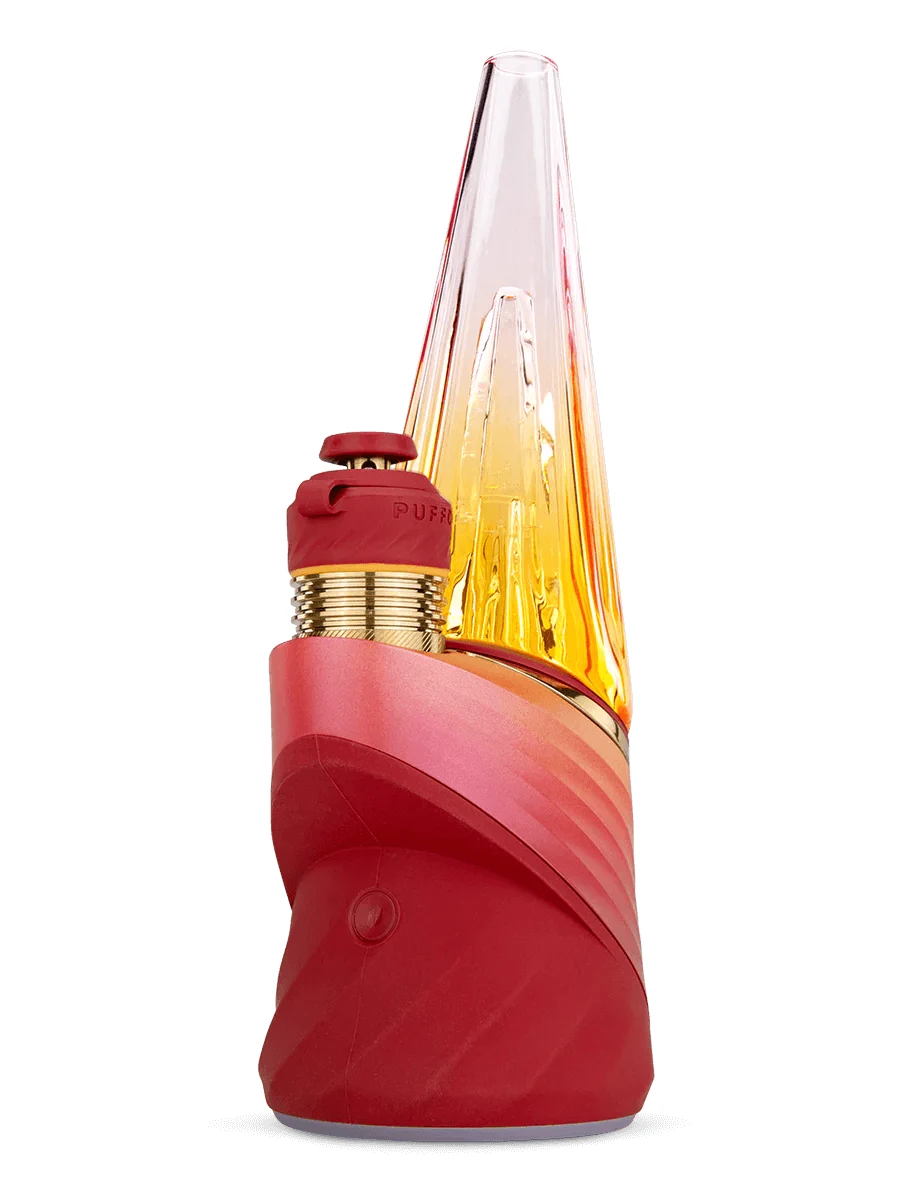 Puffco Peak Pro V2 Daybreak


Comments
No comments yet. Be the first!
Sign in to comment