


Pros
- Dual-mode: balloon and whip
- Glass vapor path + ceramic heater
- Remote control included
- Most affordable Arizer desktop
Cons
- 100-second heat-up time
- No app interface
- No dosing capsules
Current offers from our partner shops
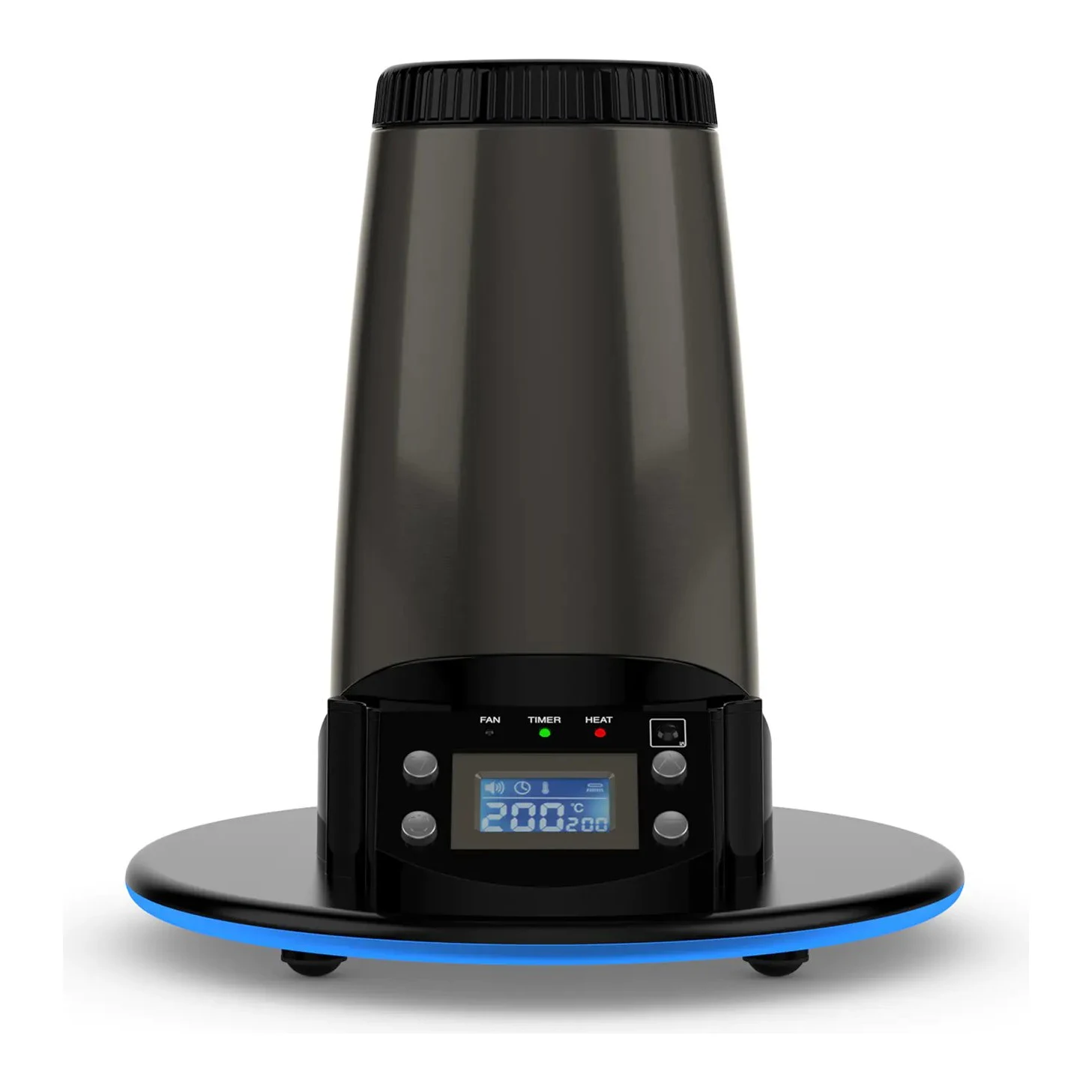
Arizer Extreme Q
99.00 €
incl. shipping · TVape
Lowest deliverable total  Visit shop
15.99 € cheaper (14 %) Next best price: 114.99 €
Visit shop
All prices come from automated shop queries. Some shop links are affiliate links.


Temperature Settings for the Extreme Q. You can find the complete overview on the main page.
Temperature Settings
Temperature Settings is a core practical topic for the Extreme Q. Build a stable baseline with fixed temperature and airflow, adjust one variable per session, and keep short notes to find a reproducible setup.
Check draw rhythm, chamber fill, and cleaning intervals in a regular routine. Most quality gains come from consistency, not from extreme settings.
- Start with one repeatable profile.
- Change only one parameter at a time.
- Track taste, vapor density, and session duration.
- Clean cooling path, screens, and seals regularly.
Direct comparisons
More Extreme Q topics
Extreme Q Guides & Niches
How loud is the fan?
Audible but quiet enough for living rooms. On level 1 barely noticeable.
Can the Extreme Q connect to a bong?
Yes, via the glass adapter (18 mm joint) or whip with a fitting adapter.
Best Price
122.80 €
Available at VapeStur +19 Shops
Visit Shop
Comments
No comments yet. Be the first!
Sign in to comment