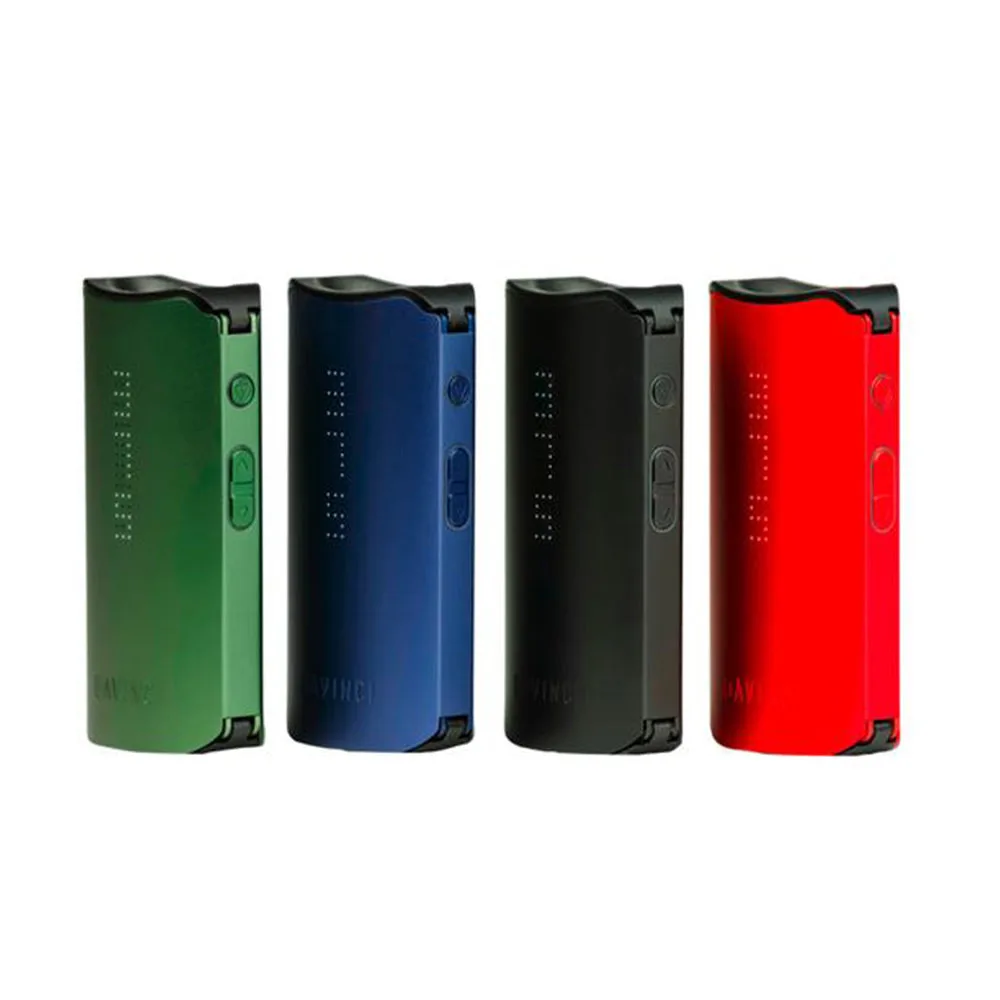
DaVinci IQC: How to Use — Getting Started
Pros
- Most affordable entry into the DaVinci IQ world
- Smart Path + app control
- Replaceable 18650 battery + pass-through charging
- All-ceramic oven
Cons
- Conduction heating only
- No airflow adjustment like IQ2
How to Use - Getting Started for the DaVinci IQC. You can find the complete overview on the main page.
How to Use - Getting Started
Quick summary: The DaVinci IQC can be operated entirely without the app. Charge it via USB-C, fill the lower ceramic oven evenly and switch it on with five clicks. Smart Path 3 starts by default; directly on the device, you can switch between four Smart Paths and a precisely selected temperature.
1. Charge and check the battery
According to the manual, a full USB-C charge takes approximately two hours. The IQC uses a replaceable flat-top 18650 battery. Only use batteries approved by DaVinci, never transport loose cells together with metal objects and replace damaged batteries immediately.
2. Fill the ceramic oven
- Open the lower lid.
- Grind dry herbs to a medium-fine consistency and fill the glass-lined ceramic oven evenly.
- Pack the material firmly without completely blocking the airflow.
- Close the lid. The adjustable Pearl ball presses the material against the oven and helps ensure even heating.
3. Switch on and select a Smart Path
Press the control button five times in quick succession. The IQC starts with Smart Path 3 by default. Each of the four eight-minute programs gradually increases the temperature within a specific range:
- Smart Path 1 “Flavor”: 176-188 °C.
- Smart Path 2 “Mind”: 188-199 °C.
- Smart Path 3 “Body”: 199-210 °C.
- Smart Path 4 “Rest”: 210-221 °C.
Switch between Smart Paths using Plus or Minus. Neither the app nor a Bluetooth connection is required.
4. Precision Mode, Boost and the first draw
While in Smart Path mode, press the control button once and then use Plus or Minus to set a specific temperature. The device vibrates when it reaches the target temperature. Draw slowly and steadily. For a brief power boost, hold down the control button; the IQC will then heat to the maximum temperature of 430 °F (around 221 °C). When you release it, the device switches to standby mode and turns off after two minutes.
5. Switch off and clean
To switch it off, press the control button five times again. Allow the device and oven to cool before emptying the herb chamber. Regularly brush out loose plant residue and clean the Pearl, mouthpiece and flavor chamber as instructed in the manual. An unobstructed herb chamber and clean airways ensure even heating.
Official source: DaVinci IQC Product Manual (PDF).
More DaVinci IQC topics
DaVinci IQC Guides & Niches
Frequently asked questions
The IQC is a portable vaporizer by DaVinci with conduction heating.
The IQC uses conduction heating. Material is heated directly through the chamber walls — fast and efficient.
Yes, the IQC has a removable 3000 mAh battery.
Yes, the IQC supports dosing capsules for clean and quick loading.
Yes, the IQC is water-pipe compatible. A suitable WPA adapter lets you connect it to a bong.
Yes, the IQC can be controlled via a Bluetooth app.
Our price comparison shows current prices from multiple online shops.
Comments
No comments yet. Be the first!
Sign in to comment