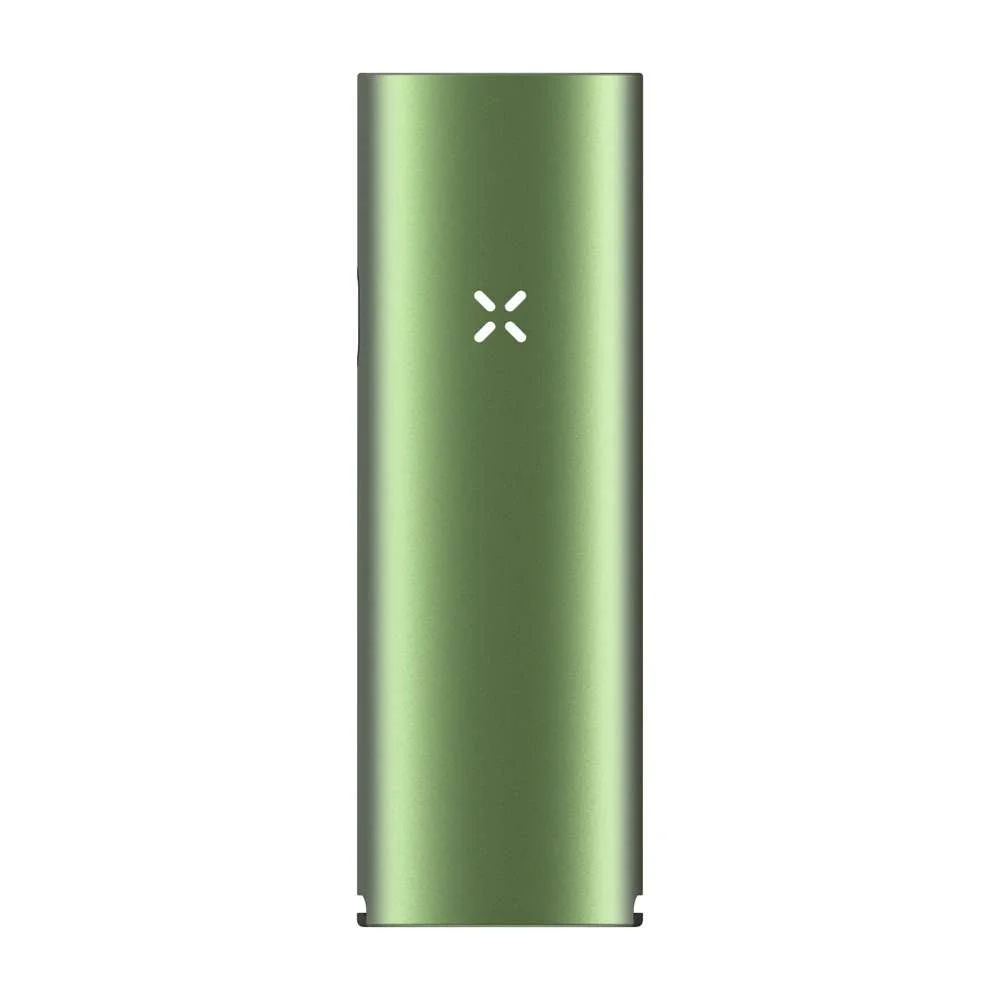
PAX Four: How to Use — Getting Started
Pros
- Hybrid heating with four modes
- Up to five sessions or 50 minutes according to PAX
- USB-C with about a 90-minute charge time
- Official 14 and 18 mm water-pipe adapter available
Cons
- Battery is not intended to be user-replaceable
- Dry herb only; no concentrate insert
- Official heat-up range is 55 to 70 seconds
Current offers from our partner shops
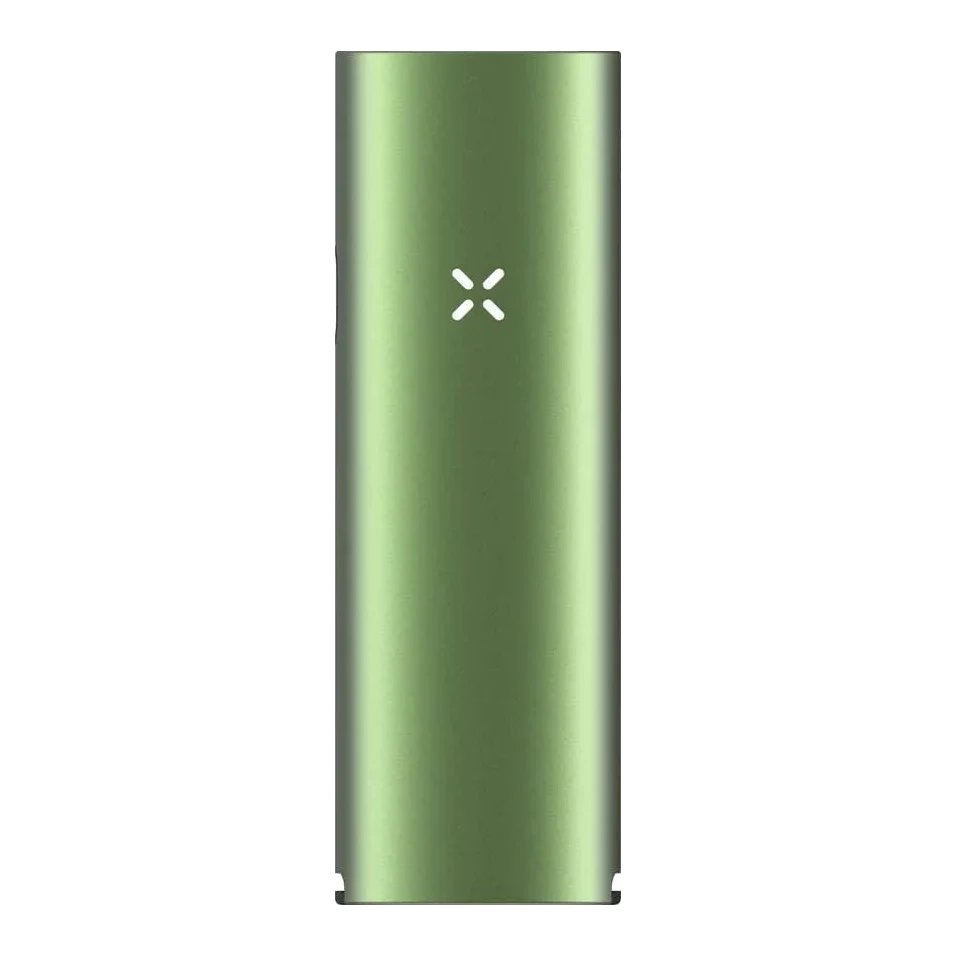

All prices come from automated shop queries. Some shop links are affiliate links.
How to Use - Getting Started for the PAX Four. You can find the complete overview on the main page.
How to Use - Getting Started
Summary: Charge the PAX Four fully before first use. Grind your herbs to a medium-fine consistency, fill the oven with medium density and hold the button for two seconds after fitting the mouthpiece to switch it on. Pink LEDs indicate heating, green LEDs indicate readiness. The four modes are qualitative programs - not freely selectable temperature values.
1. Charge fully
Connect the PAX Four via USB-C and charge it fully before your first session. You can check the battery level by shaking the device whilst it is switched on. PAX states up to five sessions or up to 50 minutes of runtime; actual runtime depends on mode, draw behavior and environment.
2. Pack the oven correctly
- Open the oven lid at the side tab.
- Grind dry herbs to a medium-fine consistency.
- Press the material down lightly with the multi-tool until it is flush with the top of the oven - medium density, neither too loose nor too tight.
- Close the lid fully and insert the desired mouthpiece.
3. Switch on and heat up
Hold the button for approximately two seconds, then release it. During heat-up the petals glow pink. Once they glow green, the PAX Four is ready; the official quick-start guide states approximately 55 to 70 seconds. Whether you draw gently or forcefully is your choice; PAX calls this "Sip or Rip".
4. Choose one of the four modes
With the device switched on, briefly press the button to change mode. Then wait three seconds or shake the device to confirm your selection. The colors represent:
- Purple: minimal visible vapor and discreet use.
- Green: longer session and economical material consumption.
- Yellow: balanced flavor and gentle vapor.
- Orange: maximum vapor production and dense clouds.
PAX does not publish fixed temperature values in degrees Celsius for these programs in the quick-start guide. Rely on the mode description rather than unofficial temperature charts.
5. Cool down and keep clean
After your session, wait at least ten minutes before touching or emptying the oven or material. PAX recommends cleaning approximately every three to five sessions. Remove the material from the cooled oven using the multi-tool. To clean, dip the wire brush in isopropyl alcohol and draw it through the vapor path; PAX soaks the oven screen in alcohol for 15 minutes. Allow all parts to dry before reinserting them.
Official sources: PAX Four Quick Start Guide and PAX Four product page.
Direct comparisons
PAX Four Guides & Niches
Frequently asked questions
The official quick-start guide states approximately 55 to 70 seconds until the LEDs glow green.
PAX describes four modes qualitatively and does not publish precise target temperatures in the verified current documentation. The safety information only states that the oven can reach up to 230 °C during and after use.
PAX states up to five sessions or approximately 50 minutes. Actual battery life depends on the heating mode and usage.
PAX states approximately 90 minutes for a full USB-C charge from 0 to 100 percent.
No. It is designed for dry herb and is not compatible with the concentrate insert according to PAX.
Yes, via the official PAX water pipe adapter for Flow and Four, which fits 14 mm and 18 mm glass.
Comments
No comments yet. Be the first!
Sign in to comment