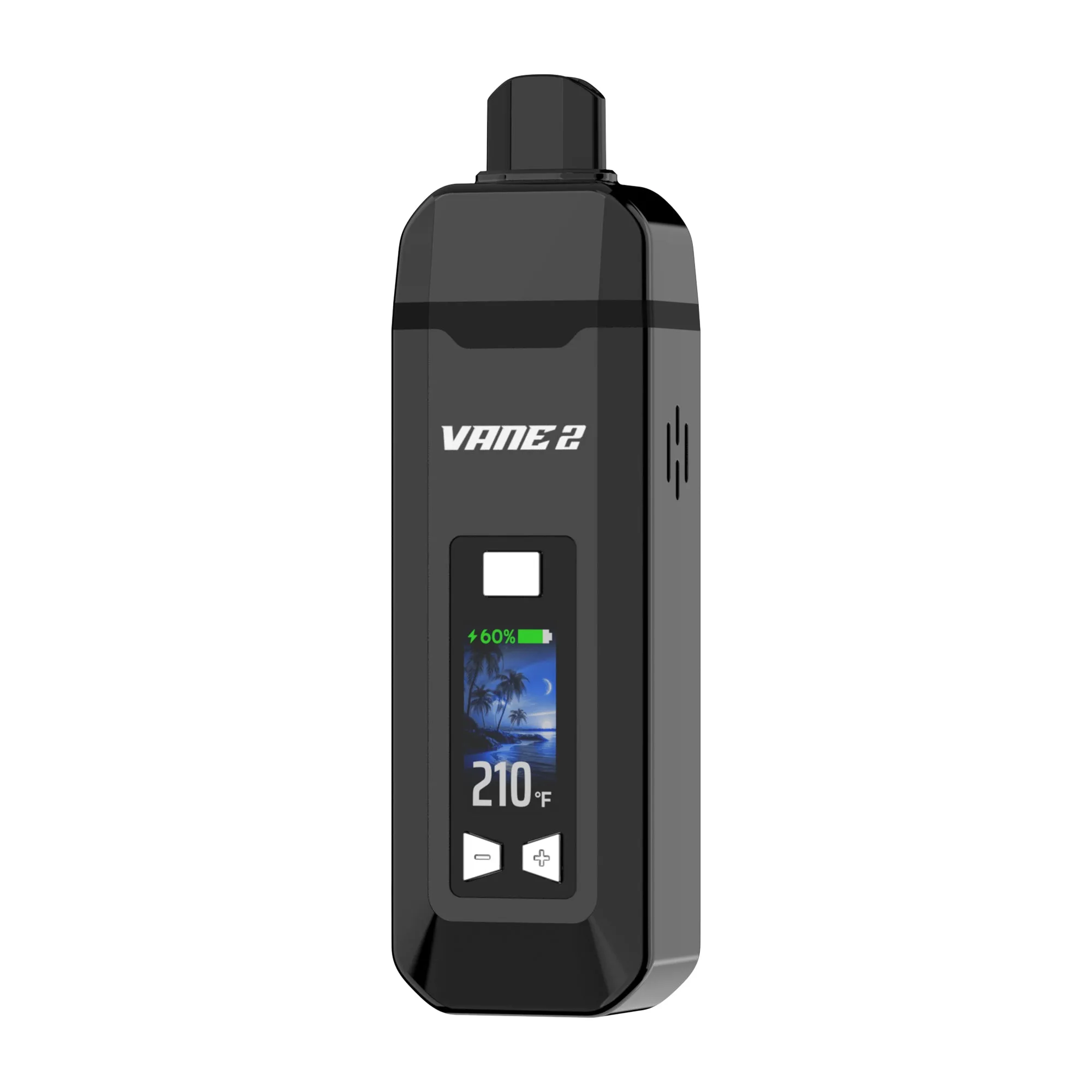
Yocan Vane 2
Yocan Vane 2 is a portable dry-herb vaporizer. VapoChecker compares current offers from €32.08 (plus shipping) across 17 shops (as of Oct 15, 2026).Price basis: Item price excluding shipping and coupons
Pros
- Temp range 93-248C.
- Manufacturer-stated preheat: 30 seconds
Cons
- Built-in battery: 1200 mAh
- No app and no dosing caps.
Yocan Vane 2 — Price Comparison (17 shops) 28.54 €–87.25 €






















Specifications
| Device Type | Portable |
| Brand | Yocan |
| Power Source | Battery |
| Temperature Range | 93°C - 249°C |
| Heat-up Time | 30 seconds |
| Battery Capacity | 1200 mAh |
| Dimensions | 12.06 x 3.56 x 2.42 cm |
| Auto Shutoff | 30 min |
| Warranty | 3 months |
| Session Mode | Session |
| Temperature Control | Digital |
| Material | Dry Herb |
| Vapor Path | Ceramic |
| Battery Type | Internal |
| Replaceable Battery | No |
| Passthrough Charging | No |
| Charging Port | USB-C |
| MSRP | $59.99 |
About this vaporizer
The Yocan Vane 2 is a slim device with a ceramic chamber and ceramic vapor path. According to Yocan, the temperature can be set between 93 and 249 °C, heat-up takes approximately 30 seconds, and the built-in 1,200 mAh battery is charged via USB-C in 60 to 90 minutes. Whether the chamber heats by convection or conduction is not specified by Yocan; retailers describe both. Yocan lists a cleaning brush, USB-C cable, and manual in the box, but no water pipe adapter. Yocan provides a three-month warranty. Currently from 32.08 € incl. shipping.
Compatible Accessories
Mouthpieces & Stems
1
In the price comparison it is available from 36.79.
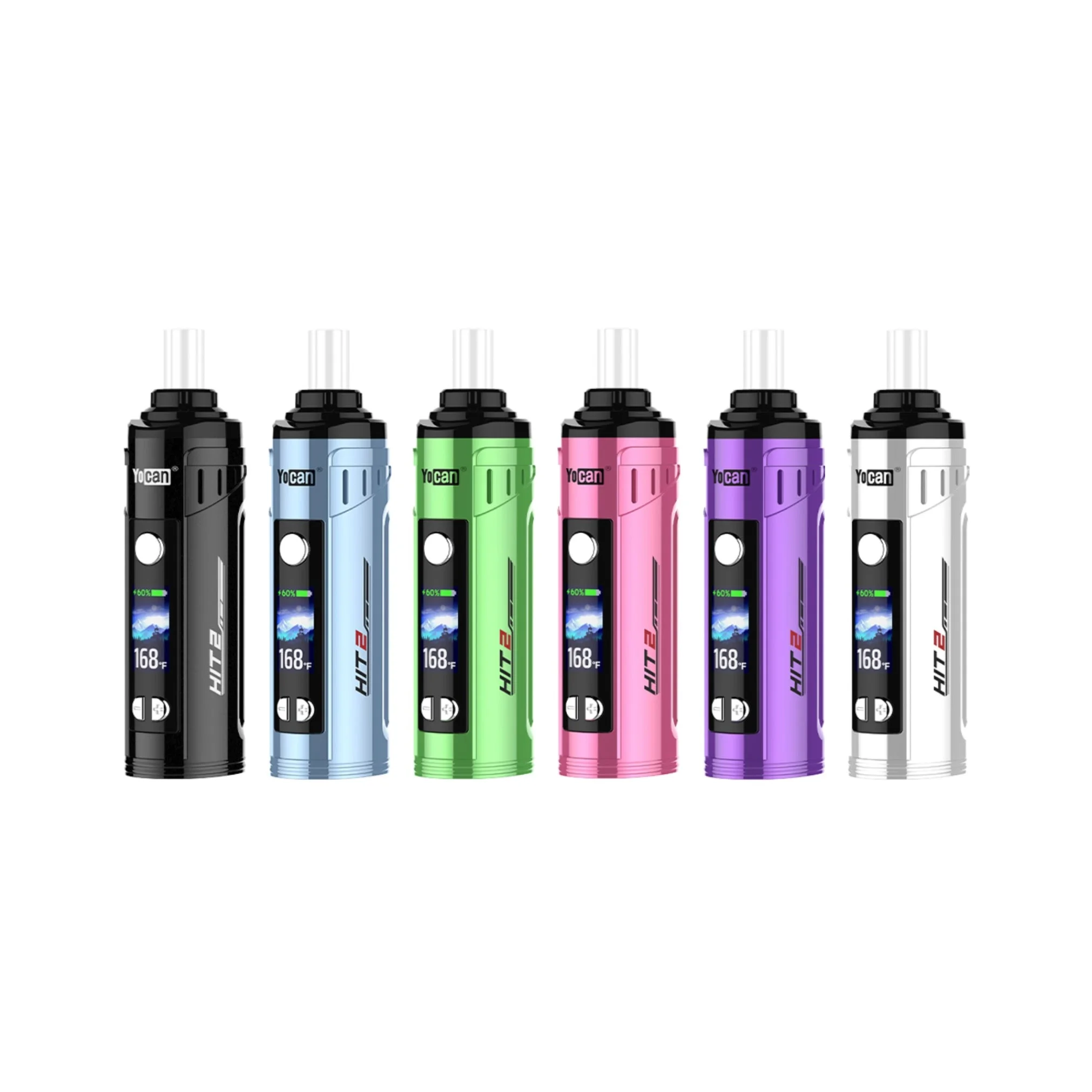
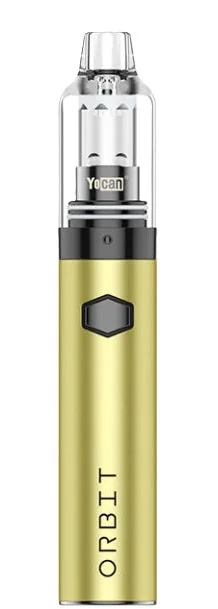
See also: HIT 2 · Yocan Black Pocket · Yocan Orbit · Yocan Orbit 2.0
Quick verdict: Who is the Vane 2 for?
The Vane 2 suits you if you are looking for a small dry herb device and want precise degree-by-degree temperature control. It stands just over 12 cm tall, has a color display, and can be set in 1-degree steps between 93 and 249 °C.
It is less ideal for long sessions in one go: a session ends after three minutes, the battery is built in, and you cannot vape while charging. Yocan does not include a water pipe adapter, and the warranty is three months.
Source: Dimensions, temperature steps, and session timer are stated in the Vane 2 manual by Yocan.
Technical specifications according to the manual
- Dimensions: 35.6 × 24.2 × 120.6 mm
- Battery: 1200 mAh, built-in
- Temperature: 200–480 °F (93–249 °C)
- Session timer: 3 minutes
- Heating resistance: 0.3–0.5 Ω
- Charging: USB-C, 5 V / 1 A, approximately 1.5 hours
- Auto shut-off: after 30 minutes
Yocan does not state a weight for the Vane 2 in either the manual or on the product page.
Source: All values are taken from the "Specification" section of the Vane 2 manual.
Ceramic chamber: what Yocan says about the heating method
The Vane 2 heats herb in a ceramic chamber. Yocan describes it as fast-heating and even, but does not specify whether the heat reaches the material via the chamber wall (conduction) or through flowing air (convection). Retailers describe it one way or the other. We have contacted Yocan for clarification and are leaving the heating method open until a response is received.
The manual states a heating element resistance of 0.3 to 0.5 ohms; it says nothing about the type of heat transfer.
Source: The description of the ceramic chamber appears on the Vane 2 product page on Yocan.
Adjusting temperature and switching between °F and °C
To switch between Fahrenheit and Celsius, press the power button and the plus button simultaneously. Use plus and minus to change the temperature: a short press adjusts it by 1 degree, a long press by 10 degrees.
You may also adjust the temperature during an active session. This lets you start at a lower heat and increase it as you go without restarting.
Source: The button combination and step size are described in the "How To Use" section of the Vane 2 manual.
Which temperature? Yocan's three ranges
Yocan divides the range into three levels:
- Low, 200–320 °F (93–160 °C): mild vapor, more flavor
- Medium, 320–400 °F (160–204 °C): balanced vapor production
- High, 400–480 °F (204–249 °C): dense vapor with a stronger draw
The manufacturer's advice: start low and gradually increase the temperature when you want more vapor.
Source: The temperature levels appear in the "Temperature Guide" section of the Vane 2 guide on yocan.com.
Heat-up and the 3-minute session
According to Yocan, heat-up takes approximately 30 seconds. You start it by holding the power button for two seconds. The display shows "PREHEAT" during this time; once the target temperature is reached, the device vibrates twice and the display switches to "USE".
A session lasts three minutes. The timer begins counting down from the moment heat-up starts and is shown on the display.
Source: The heat-up sequence, vibration, and timer are shown in the display table and specification section of the Vane 2 manual.
Display and indicators
The color display shows temperature, battery level, and an animation. The battery indicator changes color: green above 60 %, yellow between 20 and 60 %, red below 20 %. While charging, a circle displays the charge level as a percentage.
Further messages include: "TAKE CARE" when switching off, a red battery symbol when the battery is empty, and a warning symbol in the event of a short circuit.
Source: All display states are listed in the table at the end of the Vane 2 manual.
How Do I Charge the Battery Properly?
The built-in battery has 1200 mAh. Charging is via USB-C at 5 V / 1 A; a full charge takes around 1.5 hours according to the manual, or 60 to 90 minutes according to the guide on yocan.com. The Vane 2 does not support fast charging. Once fully charged, the charging indicator turns off.
You cannot vape while charging — Yocan states this explicitly. The battery cannot be replaced by the user.
Source: Charging time and the note that "charging while smoking is not supported" appear in the Vane 2 guide on yocan.com.
How to load the Vane 2
- Remove the magnetic mouthpiece — the ceramic chamber is underneath.
- Grind your herb finely so that air can flow through freely.
- Fill the chamber loosely and do not overfill it, as this reduces airflow and vapor production.
- Replace the mouthpiece until it clicks audibly into place.
When drawing, Yocan recommends slow, steady pulls; drawing too hard restricts airflow.
Source: The loading steps are described in the Vane 2 guide on yocan.com.
Cleaning the Vane 2
Before cleaning, the device should not have been in use for at least ten minutes. Empty the chamber completely, then brush the inner walls with the brush. Wipe the mouthpiece with a damp cloth.
For stubborn residue, Yocan recommends a cotton swab with isopropyl alcohol for both the mouthpiece and chamber. In the comments beneath the guide, Yocan also advises cleaning the mouthpiece after each use to prevent build-up.
Source: The cleaning steps appear in the "Cleaning" section of the Vane 2 manual.
Safety: auto shut-off, overheat protection, and storage
The Vane 2 switches off automatically after 30 minutes. If the chamber reaches 300 °C, overheat protection stops the heating. The device can only be switched on or off with five rapid clicks within two seconds.
Yocan advises against leaving the device in a hot car and recommends not storing it above room temperature (74 °F, approximately 23 °C). Do not continue using a damaged battery, and avoid touching hot components.
Source: Safety features and warnings appear in the "Protection" and "Caution" sections of the Vane 2 manual.
Warranty and Authenticity Code
Yocan offers a three-month warranty from the date of purchase. Consumables, atomizers, cartridges, and other accessories are excluded. To make a warranty claim, you will need proof of purchase with a date, a photo of the Yocan authenticity code, and photos or a video showing the fault; your retailer is the first point of contact.
Three months is a short period. Keep your proof of purchase and authenticity code safe from the very beginning.
Source: Warranty duration, exclusions, and required documentation are listed on the Yocan after-sale support page.
Contents, Colors, and Accessories
Please check the selected offer for the exact contents of the box. Yocan does not include a water pipe adapter or replacement screens.
The Yocan US shop offers the Vane 2 in six colors: Obsidian Black, Pearl White, Fresh Green, Sapphire Blue, Vibrant Yellow, and Violet. A replacement Vane 2 mouthpiece is available as a spare part. For grinding, Yocan recommends their own Draco Mini herb grinder.
Source: Box contents per the user manual; colors per the Vane 2 page in the Yocan US shop.
Vane 2, Vane, and Hit 2 Compared
Compared to the original Yocan Vane, the Vane 2 has a slightly larger battery (1200 vs 1100 mAh). The temperature range is practically identical.
The Yocan Hit 2 has a larger battery at 1800 mAh. If extended use away from a power source is your priority, it is worth a look. The Vane 2 currently starts from 36.79, and the Hit 2 from 53.17.
Source: Battery figures are taken from the user manuals; for the Vane 2, from the Vane 2 user manual.
Official Resources


More Yocan Vaporizers 4

Alternatives at a similar price 4
Same device type and a similar price; matching heating methods come first. Size and features may differ.


Spec comparison
 Yocan Vane 2 Yocan Vane 2 | ||||
|---|---|---|---|---|
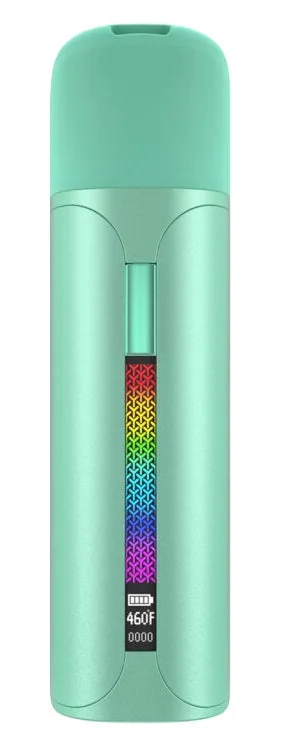
| Price from | 32.08€ · incl. shipping | 32.08€ · incl. shipping | 56.17€ · incl. shipping | 31.18€ · incl. shipping |
| Type | Portable | Portable | Vape Pen | Portable |
| Heating | N/A | Convection | Conduction | Conduction |
| Temperature | 93°C - 249°C | 93°C - 249°C | 204°C - 304°C | N/A |
| Heat-up time | 30s | N/A | 10s | N/A |
| Battery | 1200 mAh | 1800 mAh | 1400 mAh | 1700 mAh |
| Weight | N/A | 97 g | 93 g | N/A |
Green = better value
Open in full comparison →According to Yocan, 200 to 480 °F, i.e. 93 to 249 °C. Use the plus and minus buttons to adjust the temperature in 1-degree steps; holding them down jumps by 10 degrees.
Press the power button and the plus button simultaneously. The display will then toggle between Fahrenheit and Celsius.
Yocan states approximately 30 seconds. Once the temperature is reached, the device vibrates twice.
Three minutes. The timer runs from the start of heating and is shown on the display.
Press the power button five times quickly within two seconds. After 30 minutes it switches off automatically.
No. The 1,200 mAh battery is built in and non-removable.
No. Yocan explicitly states that vaping while charging is not supported.
Approximately 1.5 hours via USB-C at 5 V / 1 A. Fast charging is not supported.
Yocan does not offer a water pipe adapter; the contents of the box are only the device, USB-C cable, cleaning brush, and manual.
Three months from the date of purchase. Atomizers, cartridges, and other accessories are excluded; a proof of purchase, a photo of the authenticity code, and a photo or video of the fault are required.
No. Yocan markets the Vane 2 exclusively for dry herbs and recommends grinding them beforehand.
Comments
No comments yet. Be the first!
Sign in to comment